 Shirt Builder
For screen print and DTF shops
Let customers design their own shirts, long sleeves and polos
A live designer for your website. Customers upload artwork, pick a garment and color, place it on the front, back and both sleeves, and choose screen print or DTF for each spot. They see a price, enter sizes and send you a quote request with the artwork attached.
Watch the demo
The Shirt Builder in under a minute
From logo upload to a realistic AI preview and a quote request.
What your customer does
From idea to a quote request in minutes
Pick a garment
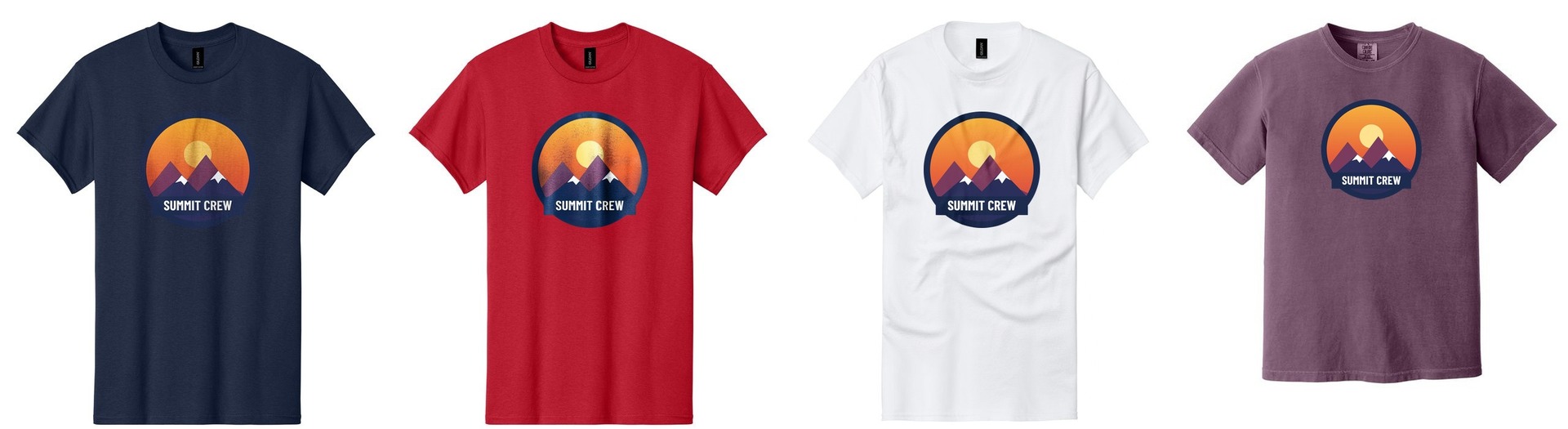
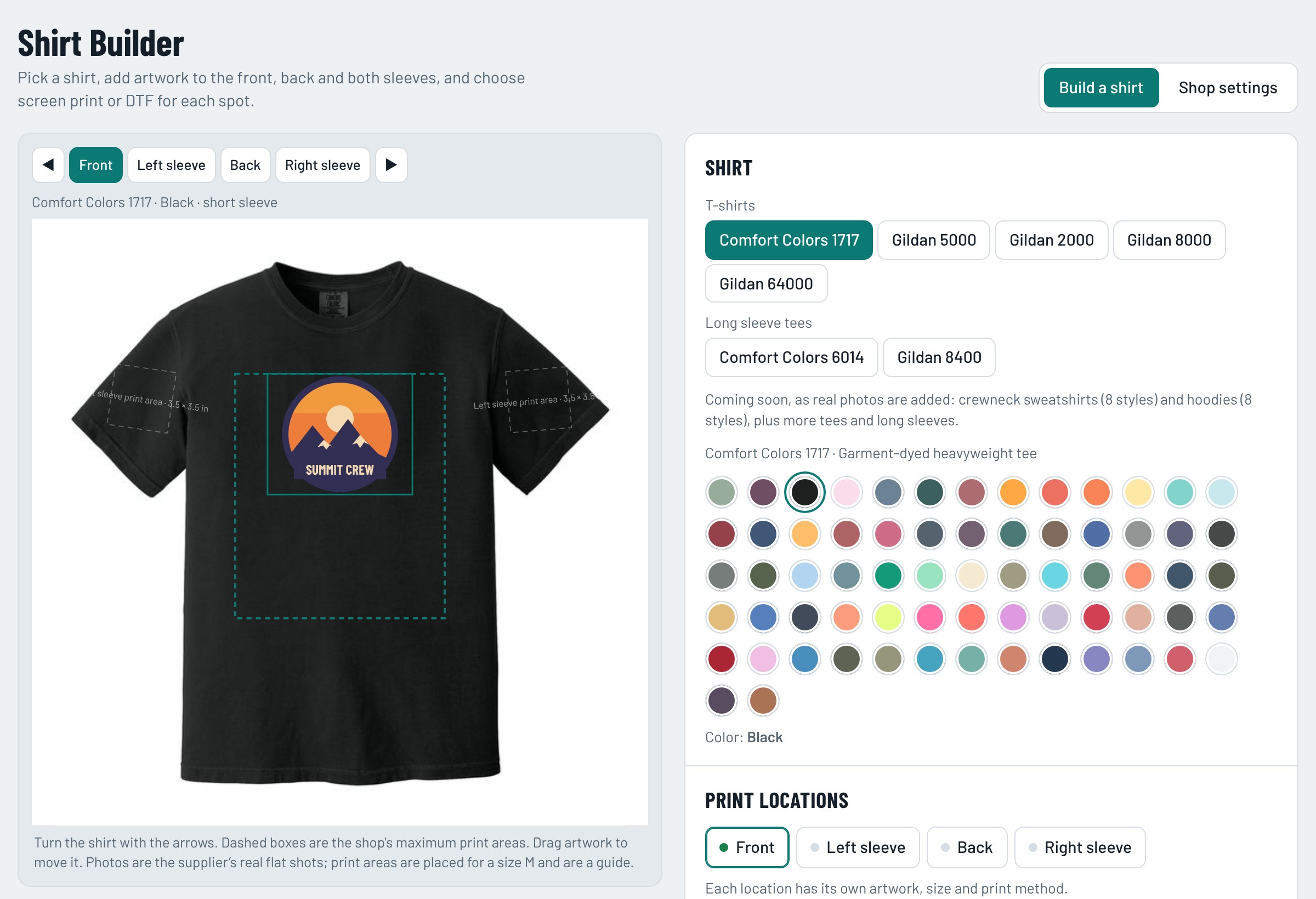
Choose the brand, style and color from the supplier's real photos. Turn the garment to see the front, back and both sleeves.
Add the art
Upload a logo for each print spot. Drag it into place and choose screen print or DTF. The builder checks quality and warns about low resolution.
See the price and send it
Enter sizes from youth XS to 5XL. The estimate updates with quantity, colors and print size. One tap sends you the order and the artwork.
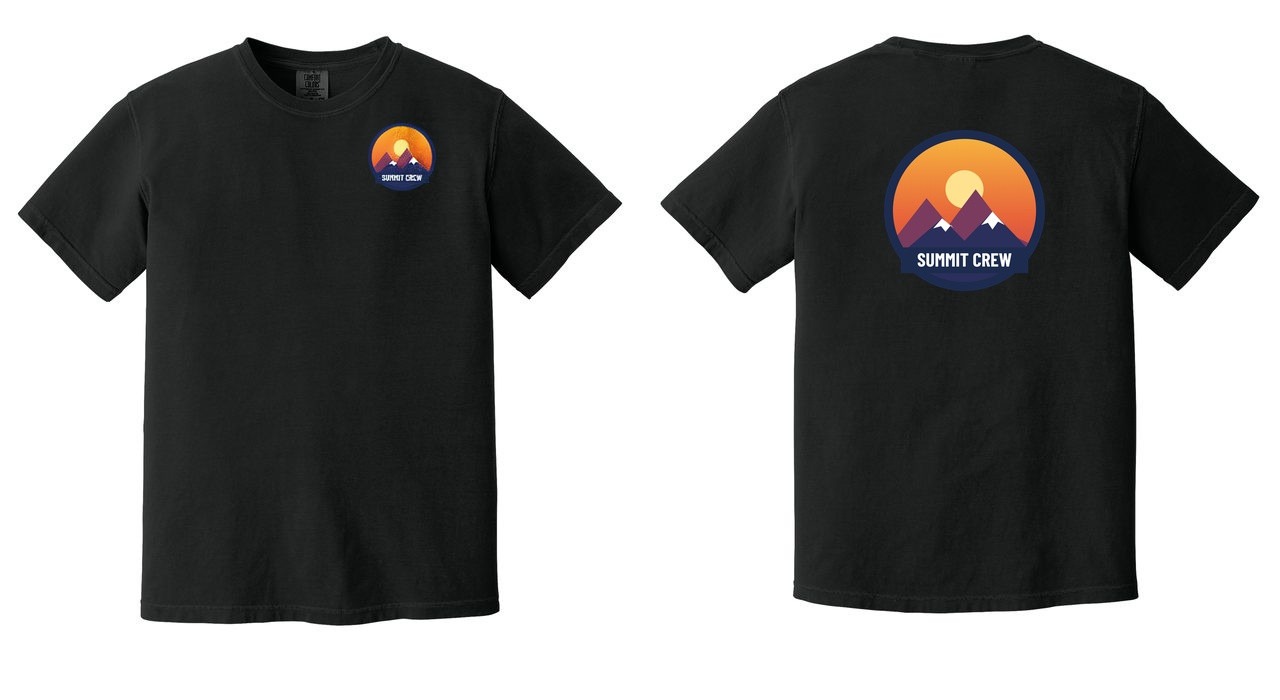
Front, back and sleeves
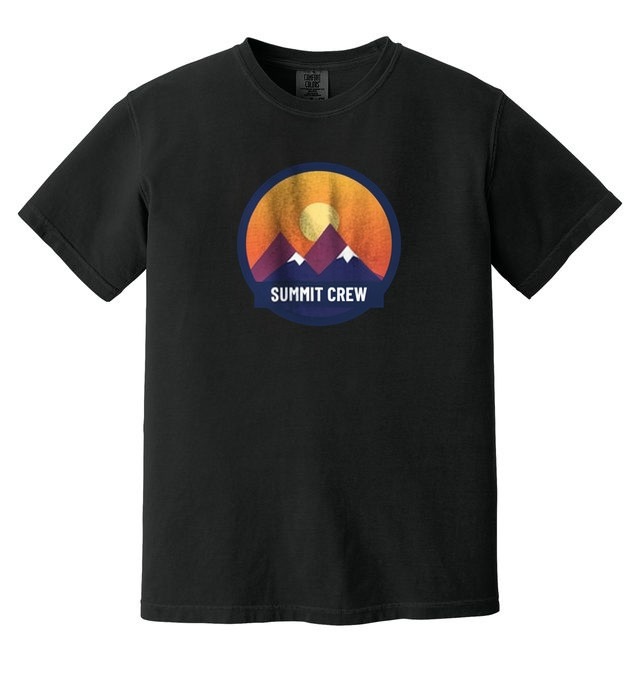
Customers see the print on the actual shirt
Every garment shows the supplier's own photo, in every color, with the print area marked.
The builder
What your customer sees
Built for how print shops work
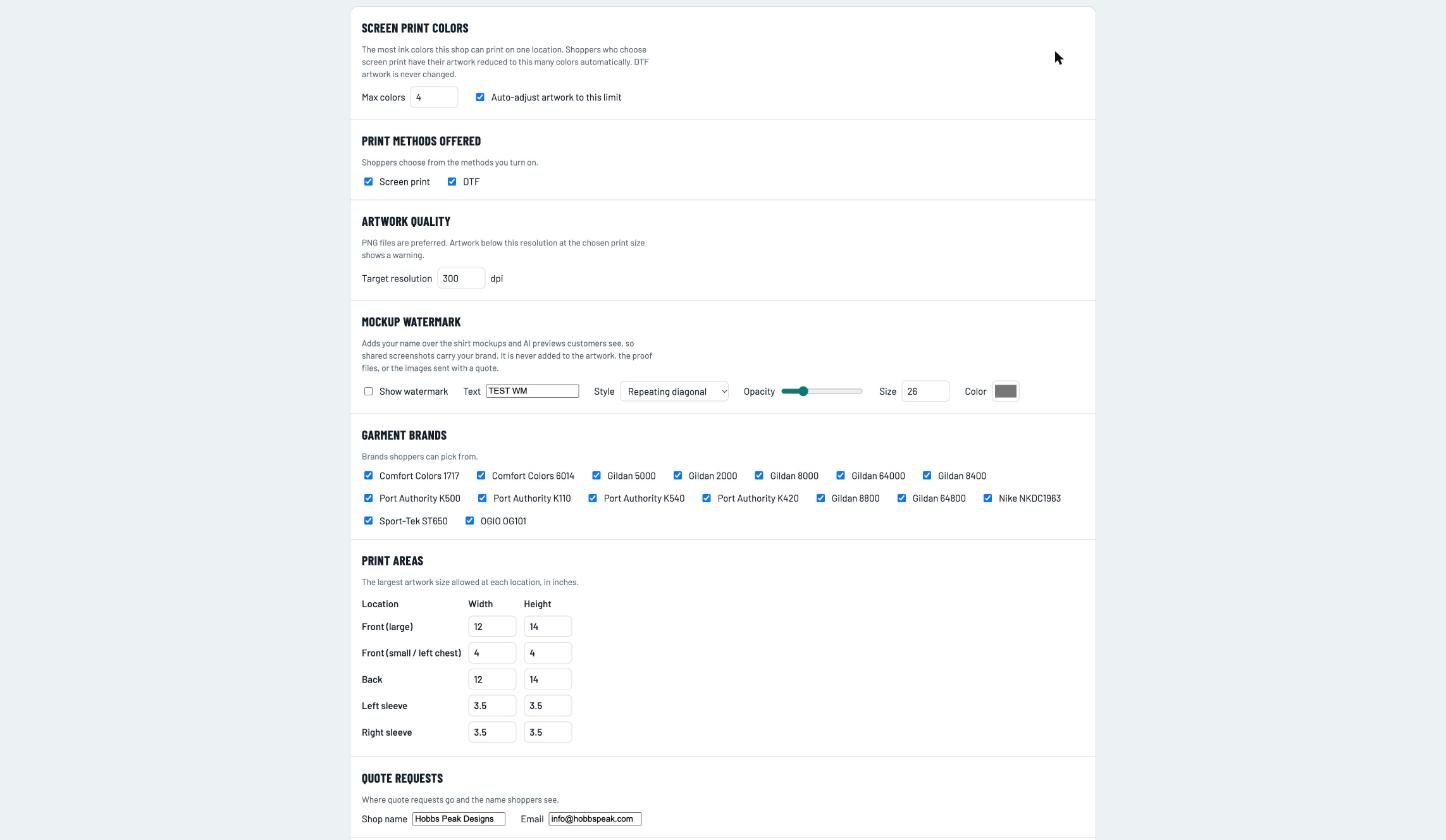
Your limits, your prices
Screen print color limit
Tell the builder how many ink colors you can print. Customers' artwork is reduced to that limit for screen print only. DTF stays full color.
Your price rules
Set blank prices, quantity breaks, setup fees per color and DTF rates by print area. Minimums are enforced for you.
Artwork quality checks
Warns when a file is too small for the chosen print size, and fits it to your target resolution in one tap.
7 styles live today, more on the way
The builder has 7 garment styles with real photos in about 389 colors today. Crewnecks, hoodies and 26 more styles from Gildan, Comfort Colors, Jerzees, Hanes, Bella+Canvas, Port & Company, Next Level and Independent Trading are being added as their photos are loaded.
AI powered
From flat mockup to a realistic preview in under a minute
Customers upload a logo and see it on the real garment. Then an AI preview gives an illustration of how it could look printed on fabric. The final proof is always made from the original artwork.
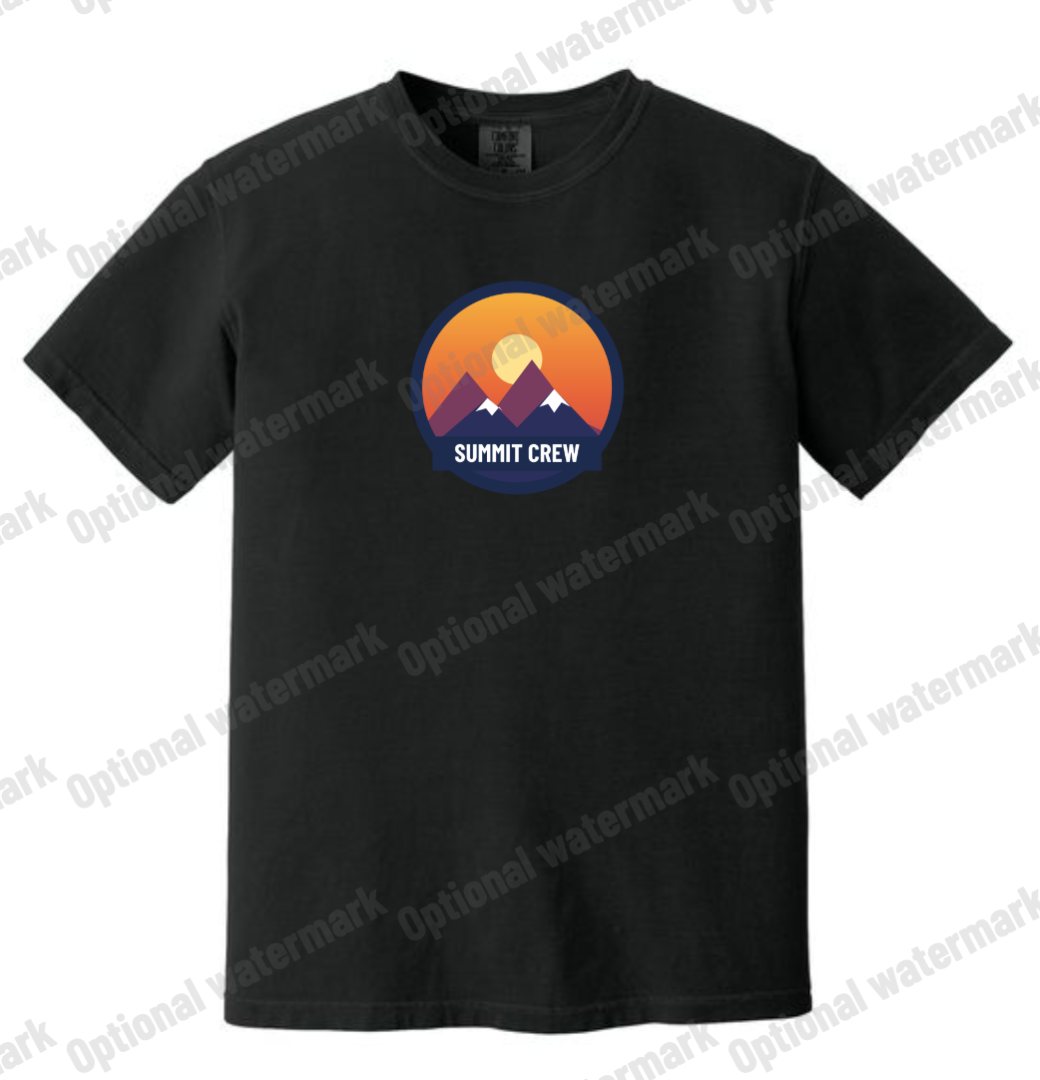
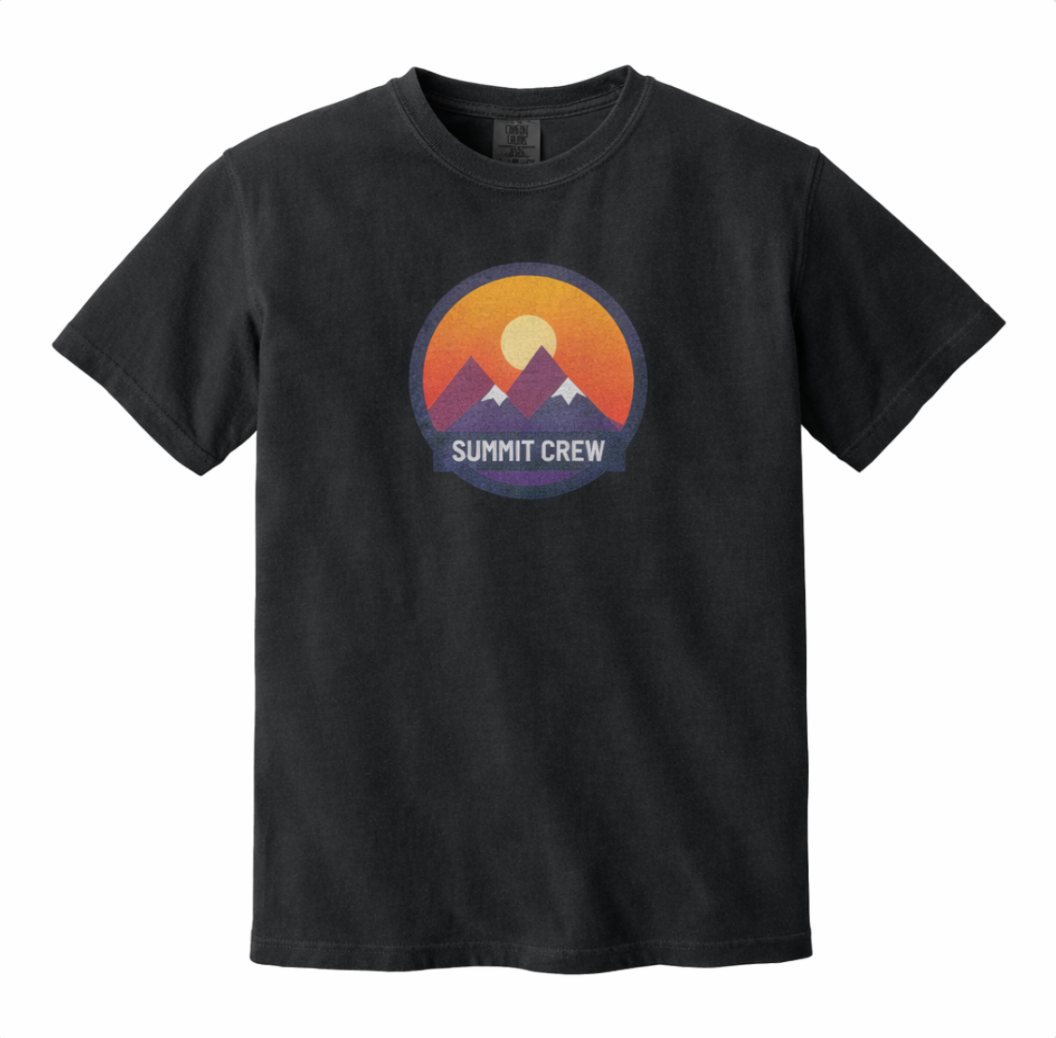
Customers can add a note about the look, such as "soft vintage print" or "worn-in leather". That note goes into the quote request automatically, so your shop sees what they were picturing. The AI image is an illustration only; your proof is always the final word.
Your admin pages
You run it. Customers never see these.
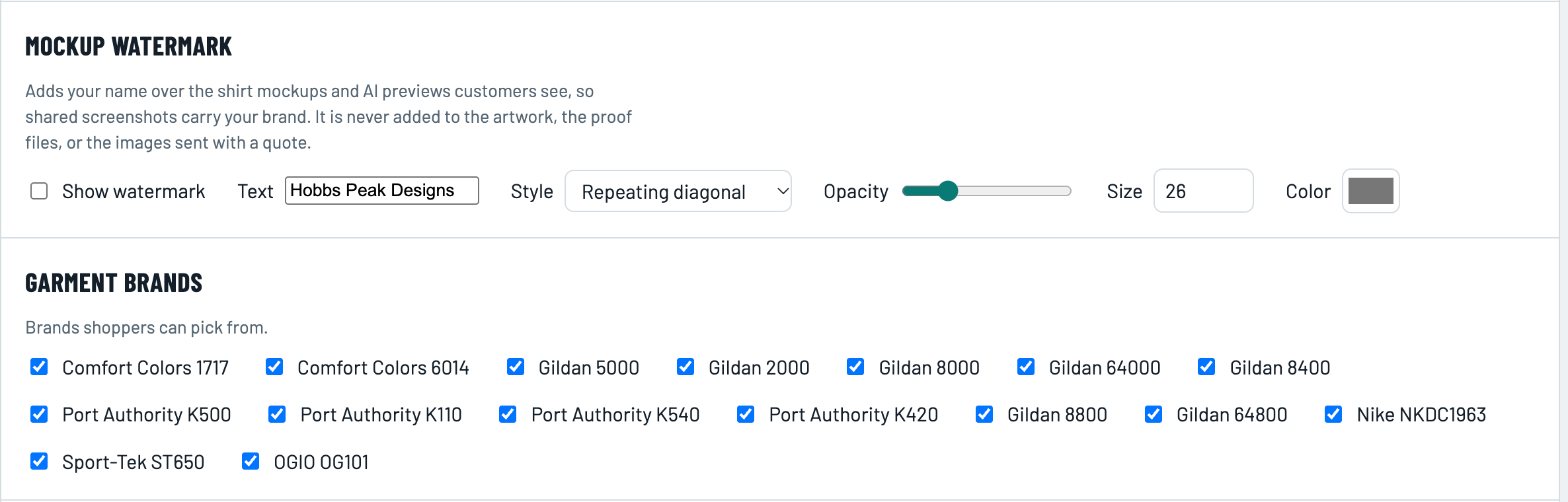
Open the builder, use the Shop admin link at the bottom and enter your key. Shop settings appear for you only.
Early access
Be one of the first shops on it
We are opening the builder to a small group of screen print and DTF shops. We set it up with you: your prices, your ink color limit, your minimums and your logo. You use it with real customers, tell us what to change, and we change it.
Reply with your shop name and website and we will send you a private demo link. Terms for early-access shops are agreed in writing before anything goes live.